What is the Smart Kilowatts dongle and how does it control home devices?
What the Smart Kilowatts dongle is, why it is needed, and how it helps control lights, pumps, boilers, EV charging, and other devices according to electricity prices.
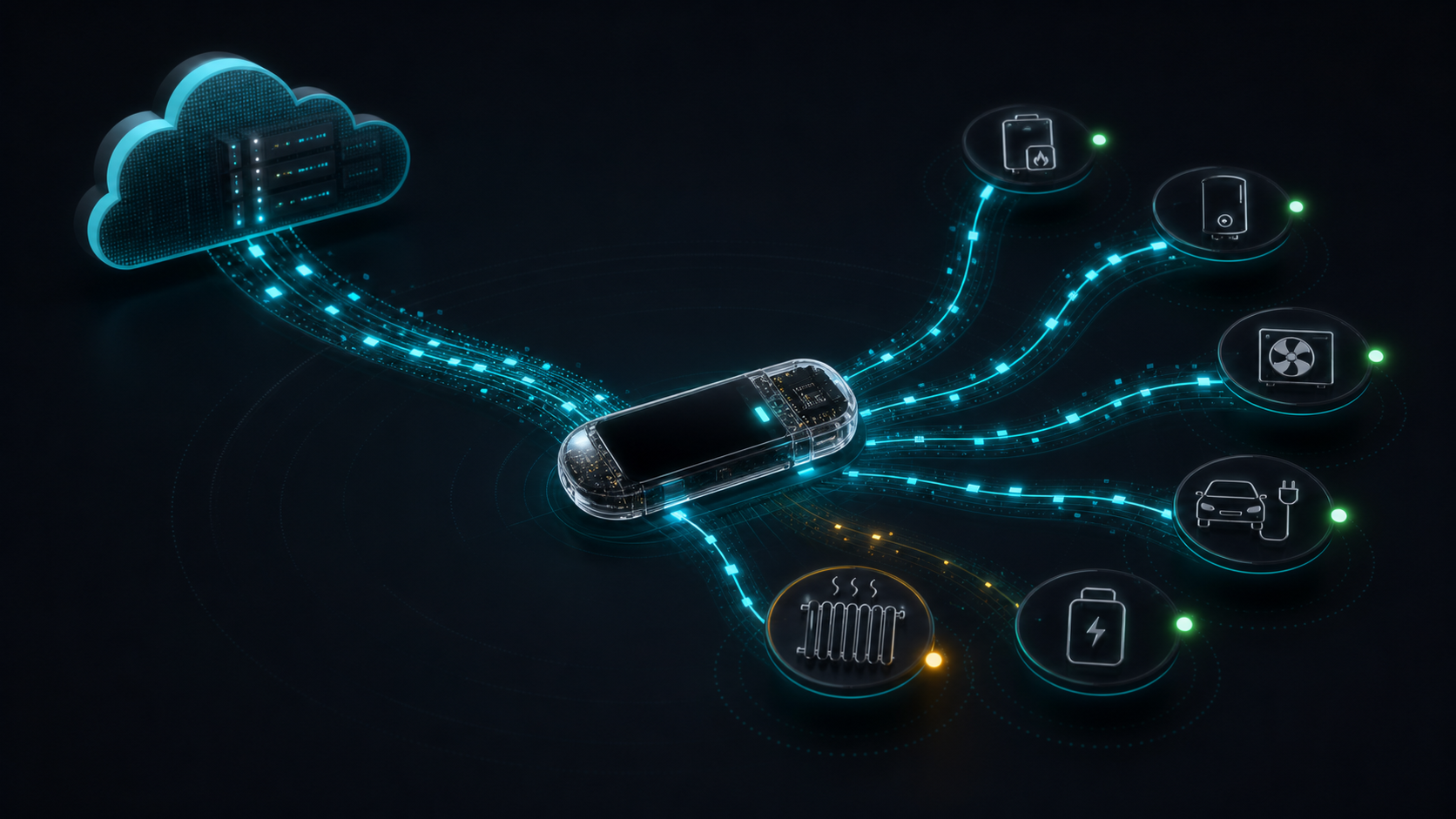
The Smart Kilowatts dongle is a small controller that connects smart devices in your home with the Smart Kilowatts system. Put simply, it is a bridge between cloud-calculated prices and rules and the physical devices in your home.
It is needed so that control is not just a nice chart in the browser. The dongle receives prepared data packets from the server, tracks time and prices, and then sends commands to connected devices: lights, pumps, boilers, EV charging, batteries, or other devices that can be controlled safely.
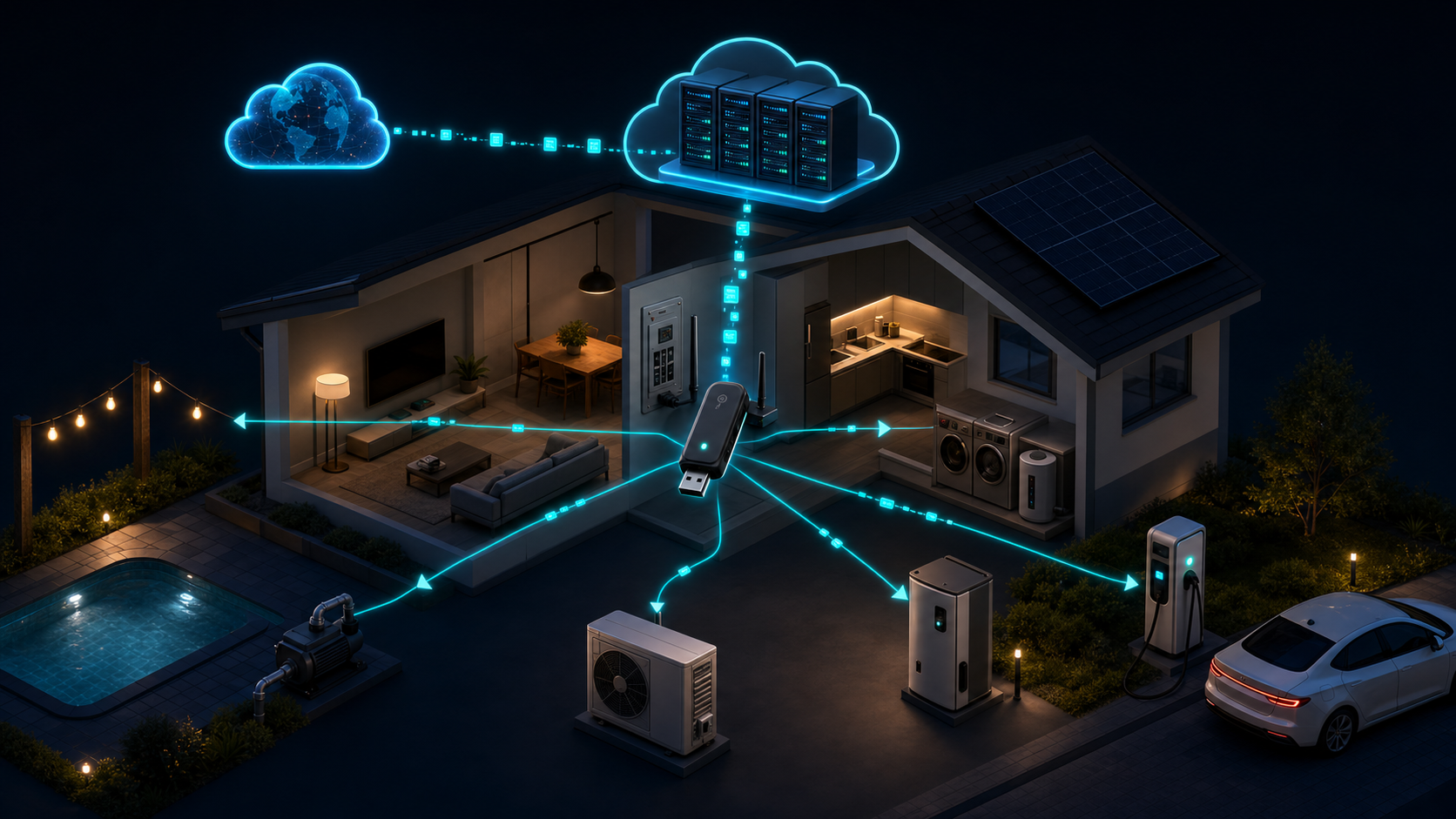
What the dongle does every day
Every day the system receives electricity prices and other required data from the internet. The server processes this data: it applies the country, price area, tariff, VAT, your rules, and the selected operating limits for devices.
After that, the dongle is sent not theoretical text, but a practical execution plan: when the appliance should be on, when it should be off, what price is currently shown on the screen, whether an update is needed, and whether the device is still healthy and connected.
Why an app alone is not enough
A phone or browser app is convenient for settings, but it should not be the only thing your device control depends on. The phone may be off, the browser closed, and the home network may briefly be unstable.
The dongle acts as a local executor. It is at home, next to your devices, so it can perform assigned commands and send status back to Smart Kilowatts. That is why the dashboard can show whether devices are connected, what state they are in, when the last signal was received, and whether the plan is running as expected.
Main capabilities
- Price-based control. Devices can run when electricity is cheaper, while the most expensive hours can be avoided.
- Smart Rules rules. Instead of one fixed timer, you can specify how many hours per day a device must run and in which time windows that is allowed.
- Device monitoring. The dongle sends heartbeats, diagnostics, and status so you can see in the dashboard whether the system is alive.
- Local screen. The dongle can show price, status, time, and other important information directly at home.
- Software updates. When a new version is released, the dongle can be updated remotely.
- Secure connection. Provisioning and certificates allow the dongle to be linked to your account and to control only the devices assigned to it.
Which devices are worth controlling
The best candidates are devices where the total operating time per day matters, not a specific minute. For example, a pool filtration pump can run for a certain number of hours, a boiler can heat water during cheaper intervals, an EV can charge when the price is lower, and outdoor lighting can be controlled according to a set scenario.
The most important rule is simple: automate only what is safe to turn off and back on. Before controlling heating, pumps, charging, or another load, assess the device instructions, power, wiring, relay, comfort, and safety requirements.
How to get started
The first step is to understand which loads are worth moving to cheaper hours. For that you can use the Cheapest Hours Search Tool or the Price Calculator. There you can compare a simple timer, a cheapest-hours schedule, and Smart Rules control.
Once it is clear where you can save, the remaining steps are to choose the equipment, link the dongle to your account, assign devices, and create rules. You can find equipment on the products page, and subscriptions on the plans page.
Related setups
-
Open the price calculator
Estimate what a specific appliance could cost with a simple timer and Smart Rules control.
-
Open cheapest-hours search
Find which hours were historically cheapest most often in your selected price area.
-
View products
Browse Smart Kilowatts equipment and the dongle kit.